
Steps to deactivate gKDS
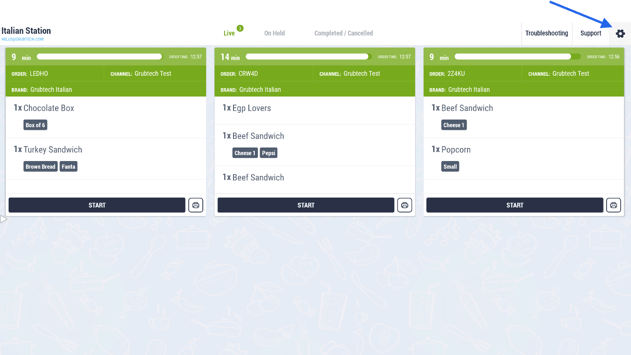
- Navigate to the Settings Panel within the KDS application.
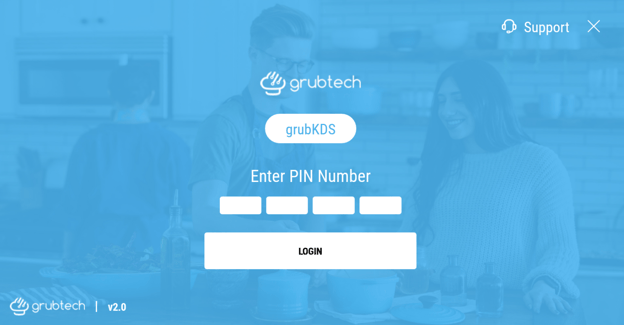
- Enter the user 4-digit PIN.
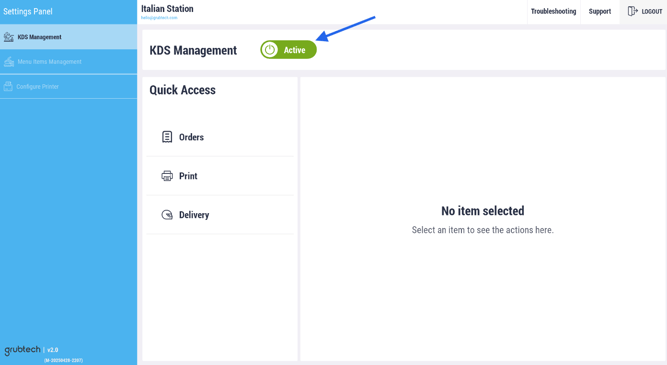
- Choose KDS Management from the left side menu options.
- Click on the KDS Management Active toggle to deactivate gKDS account.
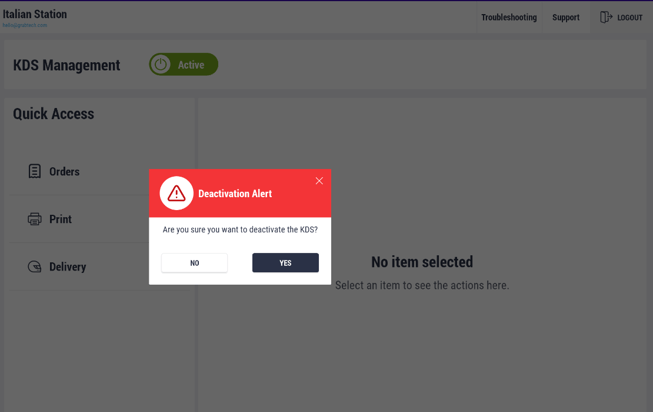
- Select Yes to proceed with the deactivation, or No to disregard the action.
Next Article: